Introduction
Potential customers can leave before an offer gets a fair look. They click, reach a page that does not connect with what caught their interest, and move on.
A bridge page helps make that transition clearer. It sits between an ad or other traffic source and the main offer, giving visitors context, answering relevant questions, and helping them understand why the next step may be worth taking.
This guide looks at bridge page examples that do that job in different ways. You’ll see what each approach is meant to accomplish, when it fits, and what to consider when creating your own.
- A bridge page should earn its place. It should give visitors useful context before directing them to the main offer, rather than add an empty click.
- The format should fit the decision. A comparison helps visitors weigh options, a case study provides evidence, and a quiz can help narrow a choice.
- The traffic source creates an expectation. The bridge page should follow through on what brought someone there and lead clearly to a related offer.
- Combining elements still requires focus. A page can use a story, video, and proof together when each supports the same next step.
- Examples need adaptation. Use the format that fits your audience, then make the claims, evidence, and recommendation accurate to your offer.
- Ad approval requires a separate check. Platform policies differ, and a standard footer checklist cannot guarantee that a bridge page will be approved.
Disclaimer: I am an independent Affiliate. The opinions expressed here are my own and are not official statements. If you follow a link and make a purchase, I may earn a commission.
Bridge Page Examples You Can Model
A bridge page can prepare visitors for an offer in several ways. It might explain why you recommend a product, help someone compare options, show a result, or invite them to learn more before making a decision.
The examples below show what each format can include, why it may help in that situation, and how it leads to the next step.
Affiliate Pre-Sell Bridge Page Example
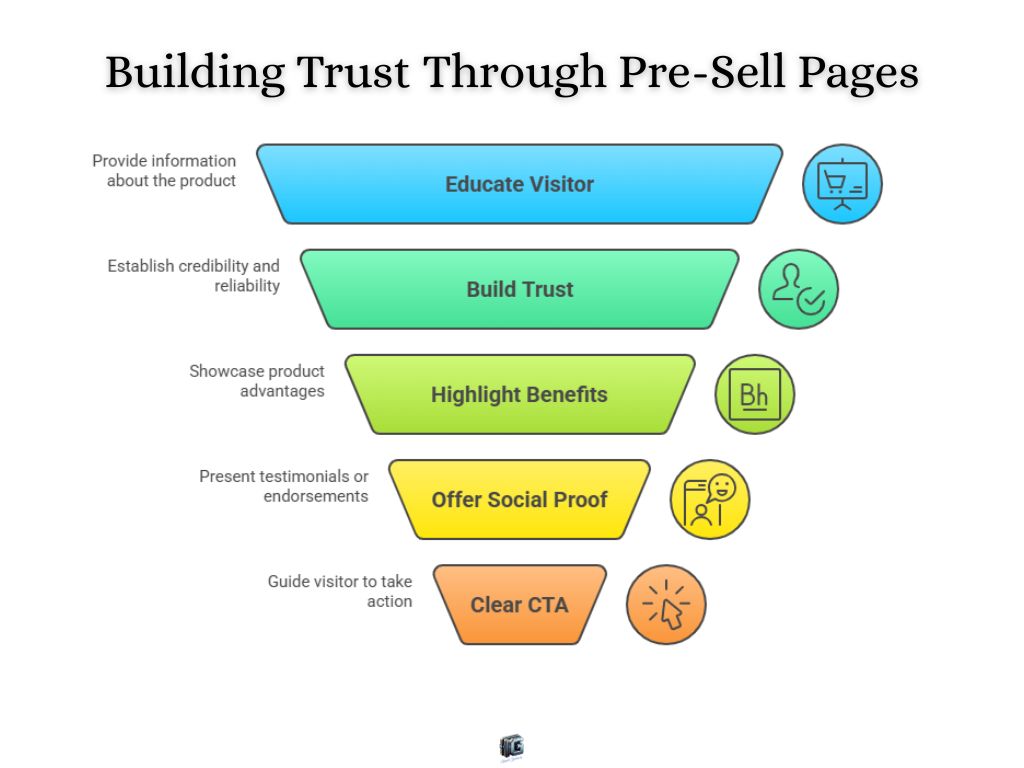
Affiliate pre-sell bridge pages are designed to introduce an affiliate offer before visitors reach the seller’s page. A short review or advertorial is a common example. It explains why the affiliate recommends the product instead of relying on the seller’s page to make that connection.
The page might begin with the problem the visitor is trying to solve, then explain how the product addresses it. The affiliate can add observations from using the product, details they have verified, and a limitation that matters to the reader. It ends with a clear link to the seller’s page, where visitors can check the full offer. The affiliate relationship should be stated plainly.
Why it works: Visitors receive a reason for the recommendation before reaching the sales page. They can consider the product with more context and decide whether it is worth exploring.
When it makes sense: This format is useful when the affiliate has something substantive to add, especially when the offer needs explanation or visitors may be unfamiliar with the product.
Product Comparison Bridge Page Example
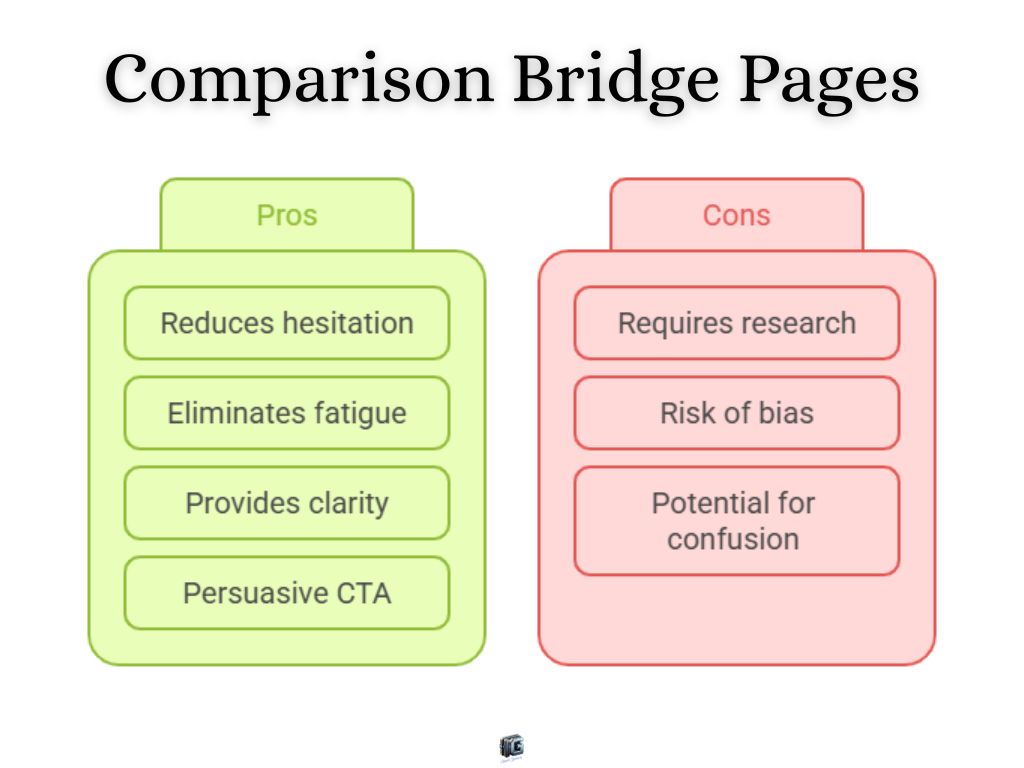
When visitors are weighing several products, a comparison bridge page puts the relevant differences in one place before they follow a link to a seller.
The page might use a table to compare what each product includes, its limits, and its current price structure. Short notes beneath the table explain who each option fits and which tradeoffs matter. If the page recommends one product, it gives a reason for that choice while acknowledging where another option may be stronger. Visitors can then follow the link that matches their decision and check the full details with the seller.
Why it works: The page helps visitors evaluate the options together. It gives them a basis for choosing which offer deserves a closer look.
When it makes sense: Use this format when visitors are already considering alternatives and you can compare them on accurate, relevant criteria.
Story-Driven Bridge Page Example
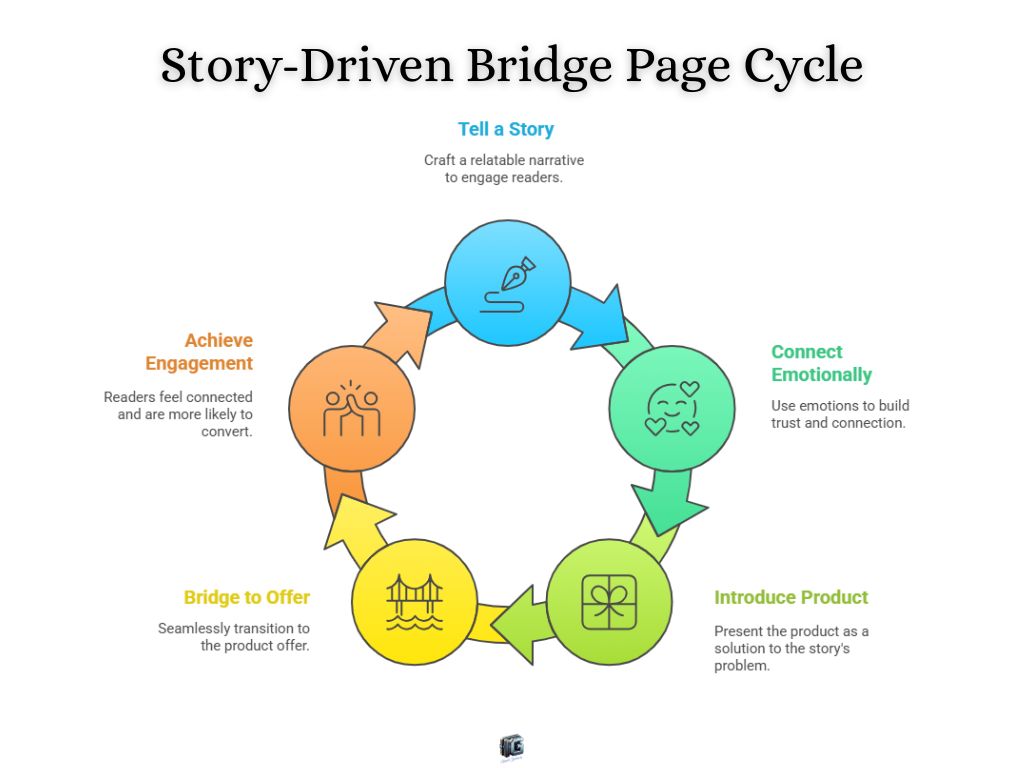
A story-driven bridge page explains an offer through an experience that gives the recommendation context. Instead of opening with a list of features, it shows the situation that led someone to look for a solution.
The page might describe a problem the writer faced, what they tried, and why they considered the product. It can then explain what they found useful and where the product fell short. A link at the end lets visitors examine the offer with that context in mind. The story may be told in text or video. Either way, the experience should be real, and a customer’s account should be shared with their permission.
Why it works: The story helps readers understand why the product was considered and whether that reasoning applies to them. Specific, honest details give the recommendation more substance than a claim that the product changed everything.
When it makes sense: Use this format when a genuine personal or customer experience helps explain the offer. If the story adds little beyond a product description, a more direct page will serve the reader better.
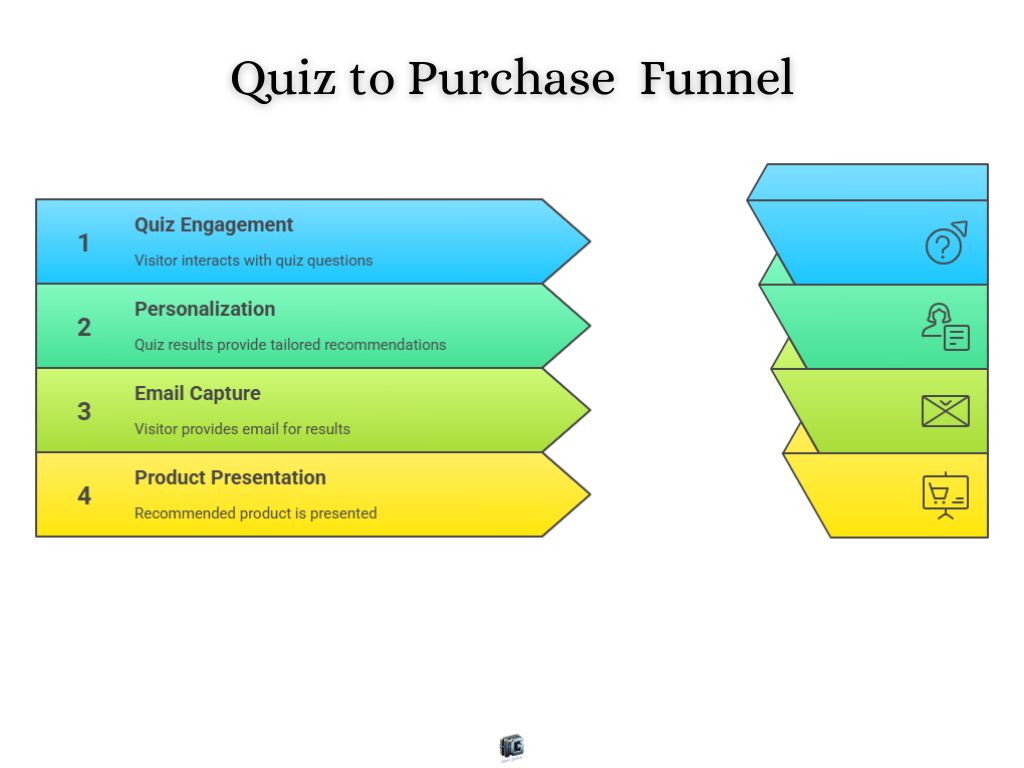
Quiz Funnel Bridge Page Example
A quiz bridge page helps visitors narrow down an offer when their needs affect which option makes sense. Consider a page that asks, “Which plan fits your team?” It could ask about team size, the features they need, and their budget before showing a suggested plan.
The result is the bridge to the offer. It explains how the answers led to the suggestion, notes any important limitation, and links to the plan details. Visitors should be able to review the other options too. If every answer leads to the same recommendation, the quiz adds little help.
Why it works: Answering relevant questions gives visitors a way to think through their needs. An explained result makes the next page more useful because they know why they are looking at that particular offer.
When it makes sense: Use a quiz when you have distinct offers or options and a few questions can genuinely help visitors choose among them.
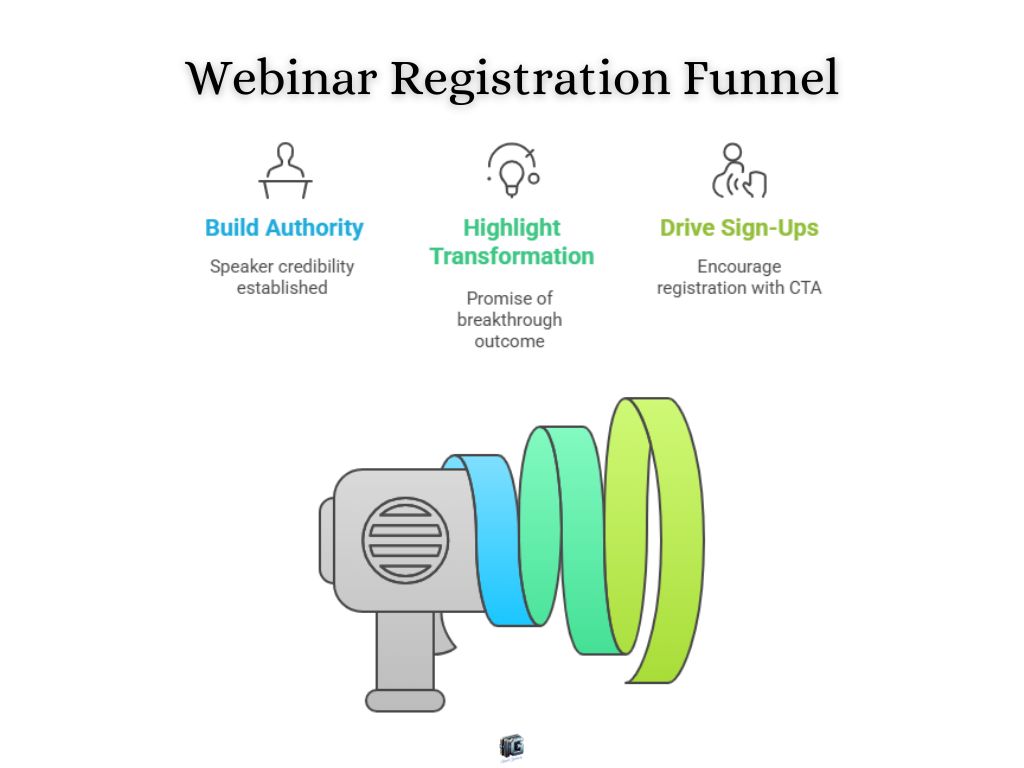
Webinar Bridge Page Example
A webinar bridge page invites visitors to a session where they can learn about a topic before considering an offer. For example, a page promoting a live training on building an email welcome sequence could explain what attendees will learn, who is teaching it, and what they will be able to do afterward.
The page also needs the practical details: when the session takes place, whether it is live or recorded, how long it lasts, and what happens after registration. Its call to action leads to the sign-up form. If the webinar will introduce a paid offer, the page should set that expectation clearly.
Why it works: The visitor can decide whether the session is relevant before giving their contact information. The webinar then has room to teach and demonstrate ideas that would be difficult to explain in a short page. That only holds up if the session delivers what the bridge page promises.
When it makes sense: This format fits a topic that benefits from teaching or demonstration, especially when understanding the subject helps visitors evaluate the eventual offer.
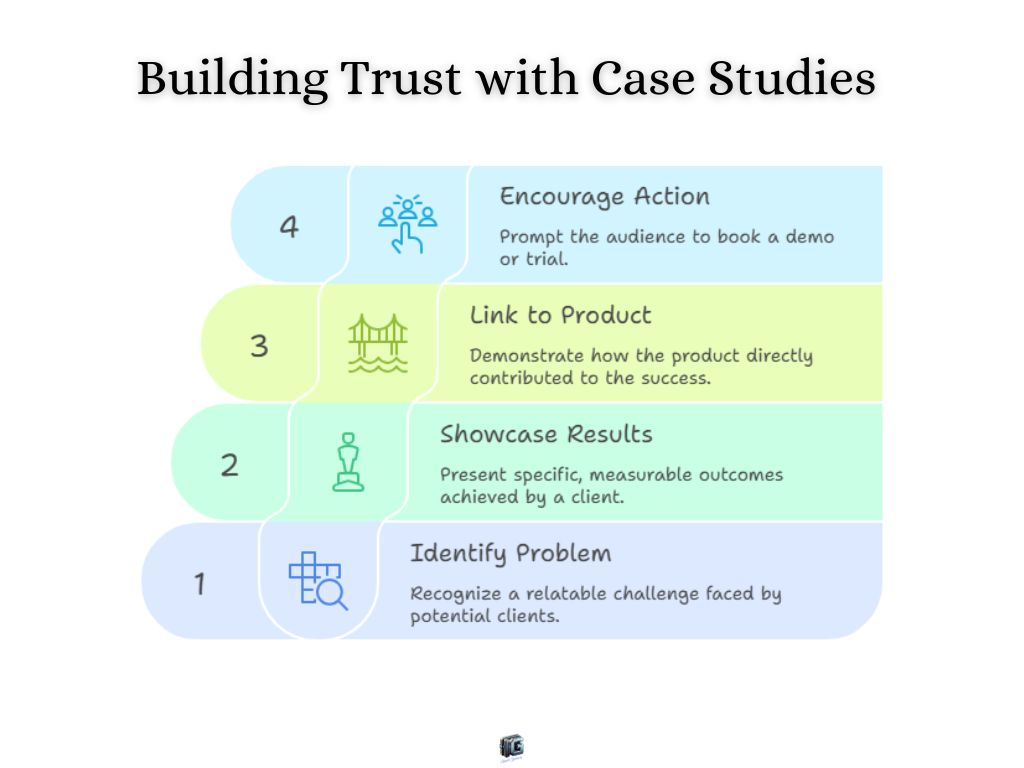
Case Study Bridge Page Example
A case study bridge page shows what happened when a real customer used an offer. It can open with the customer’s starting problem and an outcome, then explain what changed and the role the product or service played.
The details make the example useful. If the page reports a result, it should say what was measured and over what period. It can include a customer quote, a screenshot, or a description of the work, provided those details are accurate and approved for sharing. The page then links to the offer or invites visitors to request a demo.
Why it works: Visitors can examine a specific use of the offer instead of relying on a broad promise. The context helps them judge whether the customer’s situation resembles their own. One case study shows what happened in that case, not what everyone can expect.
When it makes sense: Use this format when you have a documented customer experience that illustrates the offer clearly enough for visitors to evaluate it.
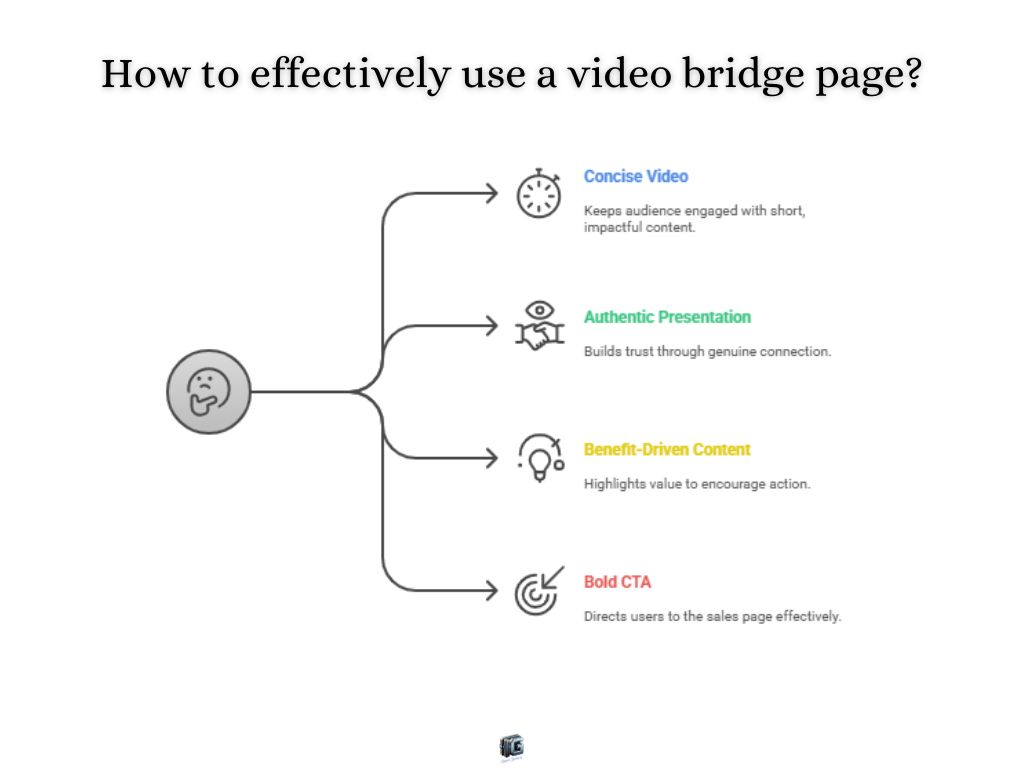
Video Bridge Page Example
On a video bridge page, the video gives visitors context before they follow a link to the offer. It might show a product completing a task, explain how a service works, or walk through the reason for a recommendation.
The rest of the page supports that explanation. A clear headline tells visitors what the video covers, a short summary helps those who cannot watch it, and a button such as “See the Product Details” makes the next step clear. Captions or a transcript let visitors follow the explanation without sound.
Why it works: A demonstration can answer questions that product claims leave open. Visitors can see what is being recommended and decide whether to examine the full offer. A face or voice alone does not make a recommendation credible. The video needs accurate, useful detail.
When it makes sense: Use video when showing or explaining the offer makes it easier to evaluate, especially if you can demonstrate something specific rather than repeat the sales page.
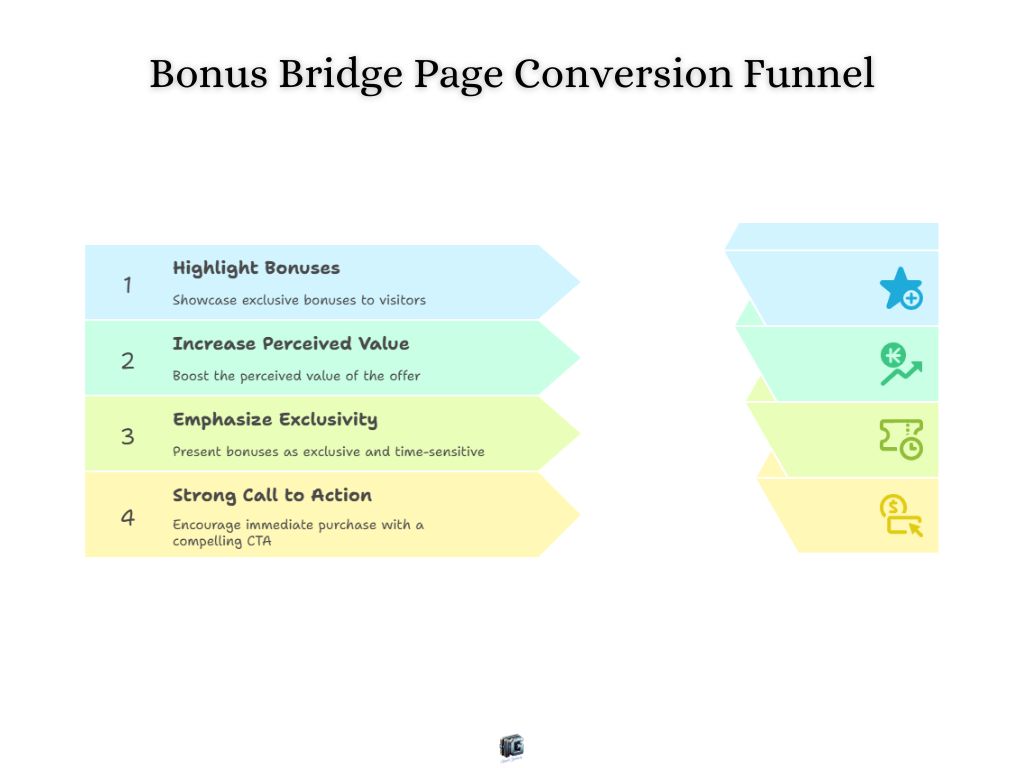
Bonus Bridge Page Example
A bonus bridge page presents something extra that a visitor can receive with the main offer. For an affiliate offer, that might be a checklist, template, or setup guide the affiliate created to help buyers use the product.
The page needs to keep the two offers clear. It explains what the seller provides, what the affiliate provides, who qualifies for the bonus, and how the buyer will receive it. A link then takes visitors to the seller’s page to check the main offer and purchase details. If the bonus is available only through a particular link, the page should say so plainly.
Why it works: A relevant bonus can address a practical concern about using the product. A setup guide, for example, may help someone who wants the product but is unsure how to begin. Its usefulness matters more than the number of extras listed on the page.
When it makes sense: Use this format when you can deliver a bonus that genuinely complements the offer and have checked that the arrangement fits the affiliate program’s terms.
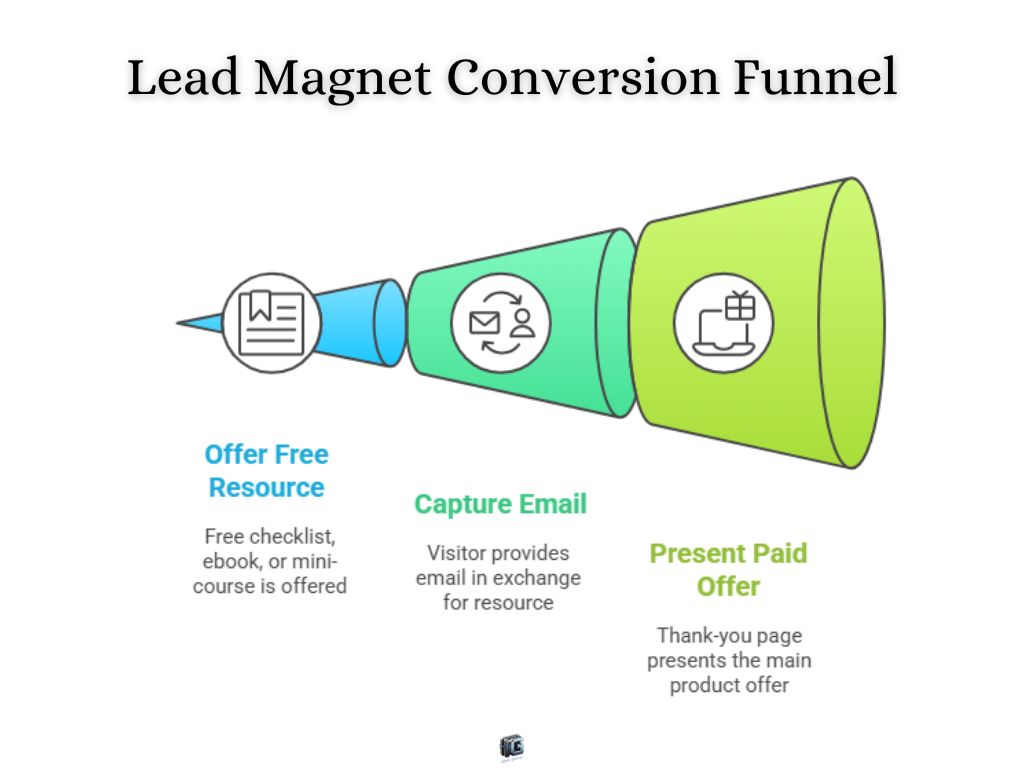
Lead Magnet Bridge Page Example
A lead magnet bridge page offers a free resource that addresses part of the problem the main offer helps solve. The resource gives visitors a useful first step and creates a natural reason to learn more.
For example, a business offering an email marketing course could give away a checklist for planning a first campaign. The page would explain what the checklist covers, show a preview, and tell visitors how they will receive it. It could also briefly explain that the course covers the next task: writing, sending, and reviewing the campaign. Visitors sign up for the checklist, which is delivered as promised. They can consider the course afterward.
Why it works: The visitor can use the free resource before deciding whether they need more help. The connection between the checklist and the course makes the offer relevant to the task they already care about.
When it makes sense: Use this format when you have a resource that is useful on its own and a related offer that helps visitors go further.
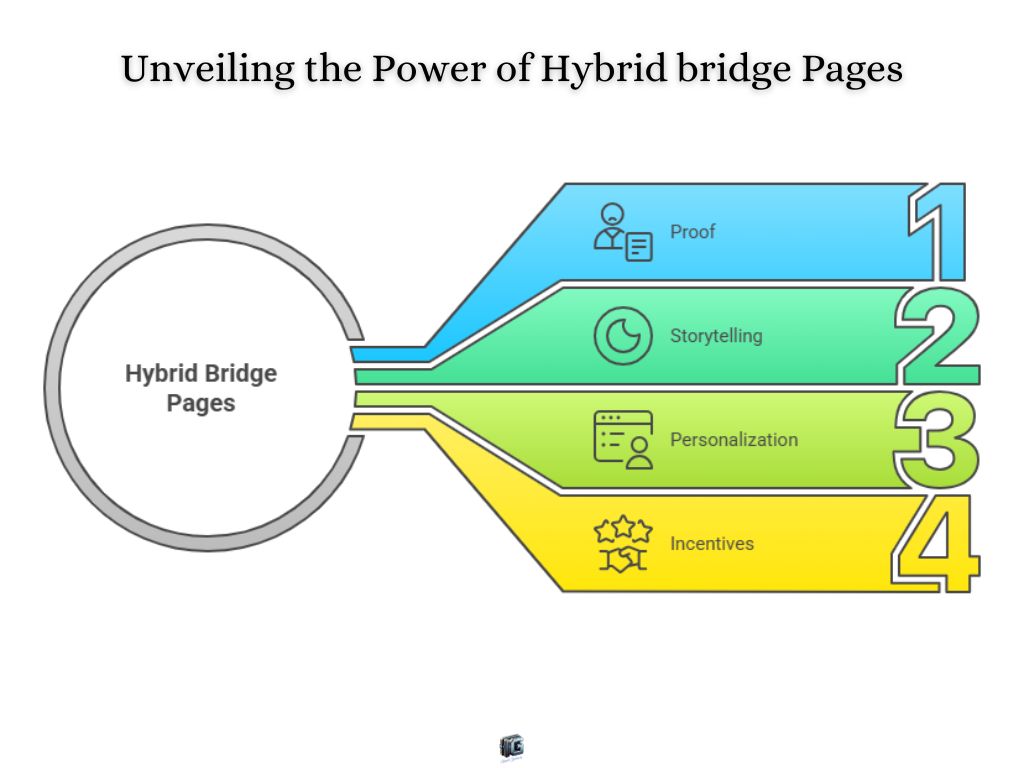
Hybrid Bridge Page Example
A short demonstration can show what a product does. A case study can show how someone used it. A hybrid bridge page brings those two elements together when visitors need both answers before exploring the offer.
For example, the page could open with a video demonstrating one useful task. Below it, a documented customer case study explains the customer’s starting situation, how they used the product, and what happened. A brief closing paragraph connects those details to the visitor’s decision, followed by a link to the full offer.
Why it works: Each element has a distinct job. The video makes the product easier to understand, while the case study adds evidence from a real use. They support one decision instead of competing for attention.
When it makes sense: Combine formats when each answers a relevant question the other leaves open. Adding more elements only helps if they make the offer clearer.
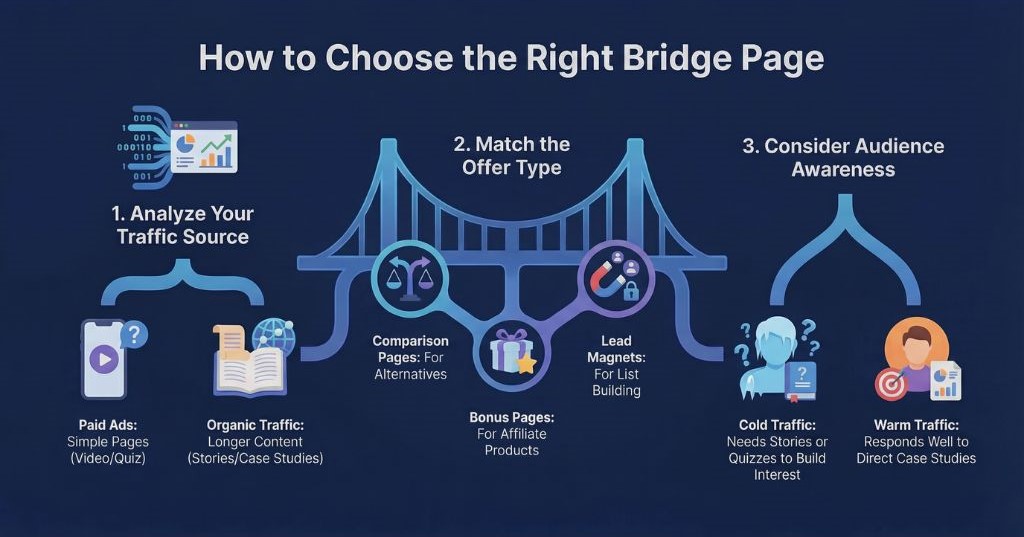
How to Choose From These Bridge Page Examples
Choose the format by looking at the gap between why someone arrived and what you want them to do next. The bridge page should answer a question that matters to that decision.
Key Factors to Guide Your Choice
- Start with the entry point. An ad promising a product demonstration should lead to a page that shows the product. An article comparing two options may lead more naturally to a comparison page. Paid, organic, and email traffic do not each require a particular format. The promise that brought the visitor there is the useful clue.
- Look at the offer and the next action. A case study can help explain a service through a documented customer experience. A quiz can help visitors choose among distinct options. A lead magnet fits when the immediate goal is to share a useful resource and begin an email relationship. Choose the format that prepares visitors for what the next page or step actually asks of them.
- Consider what visitors already know. Someone encountering an offer for the first time may need an explanation or demonstration. Someone weighing alternatives may need clearer differences or evidence. More content is only useful when it answers a remaining question.
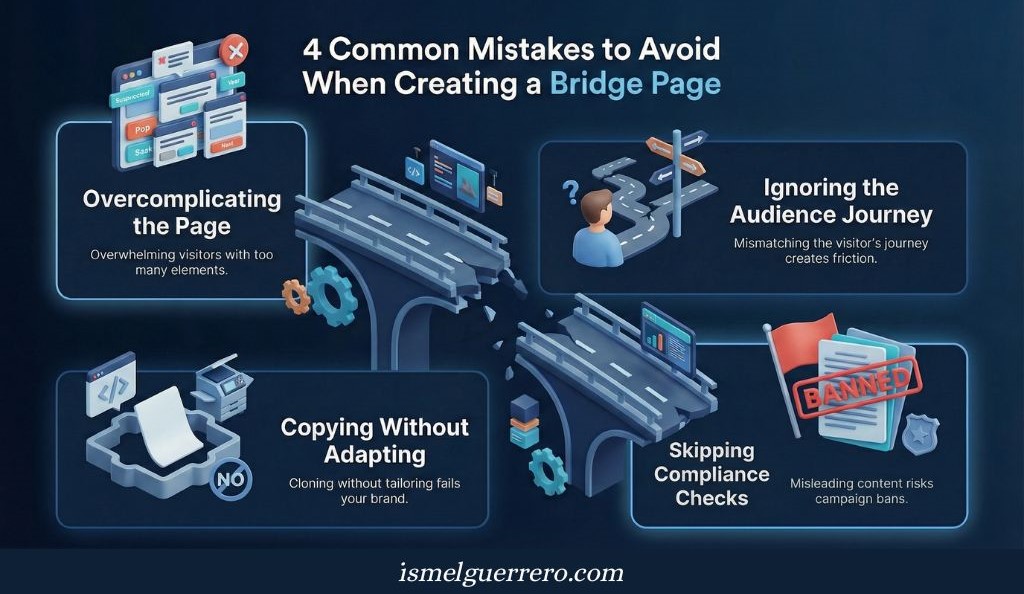
Common Mistakes When Choosing a Bridge Page
A bridge page should help visitors understand the next step. These mistakes can turn it into an unnecessary stop between their original interest and the offer.
Pitfalls to Avoid
- Adding elements without a clear purpose. A video, quiz, testimonial, and bonus can each be useful, but putting them all on one page may make the decision harder. Start with the question visitors need answered. Include another element only if it helps answer that question or supports the same next action.
- Losing the thread of the visit. If someone clicks to see a product demonstration, the page should make that demonstration easy to find. A long story before the video asks for attention the visitor did not expect to give. Carry the promise from the original link through to the bridge page and the destination.
- Copying a format without the substance behind it. A case study needs a real case. A quiz needs answers that affect its recommendation. A bonus needs to be useful and deliverable. Reproducing the layout of an example will not give visitors the information that made the format appropriate.
- Checking claims and terms too late. Verify what the page says about the offer, any results it describes, and any bonus it promises. If you use ads or an affiliate program, check the applicable terms before publishing the page.

Compliance: Using Bridge Pages With Paid Ads
A bridge page is not automatically an acceptable ad destination because it contains text, a video, or a button. The content needs to serve a purpose for the visitor. Google Ads’ insufficient original content policy specifically identifies intermediate pages used only to send people to another site as a reason for disapproval. A useful comparison, demonstration, or explanation gives visitors something to evaluate before they click through.
Before sending paid traffic to a bridge page, check the full path:
- Keep the promise consistent. The ad, bridge page, and offer should describe the same subject and set accurate expectations for the next click.
- Check every claim. Verify product details, testimonials, reported results, and bonus terms. A disclaimer cannot make an unsupported claim accurate.
- Make affiliate relationships clear. If a recommendation can earn you a commission, explain that plainly where visitors will see it alongside the recommendation and link. The FTC’s endorsement guidance addresses disclosure placement and warns that “results not typical” does not, by itself, correct a testimonial that implies an expected result.
- Test the destination. Open the page and its next link on common devices. Confirm that the content loads, forms work, and visitors can tell where the button will take them.
Conclusion
A bridge page earns its place when it answers a question visitors still have before they reach an offer. That answer might come through a comparison, a demonstration, a real customer experience, or a useful resource. The format matters because of what it helps the visitor understand.
Start with the promise that brought someone to the page and the decision the destination asks them to make. Build the bridge around the gap between those two points. Then check what happens after visitors click through, since a click on the bridge page is only part of the result.
When the page adds useful context and sets honest expectations, it supports the next decision. When it adds only another click, it needs a clearer purpose.
FAQs About Bridge Pages
Are bridge pages legal?
A bridge page can be used legally, but the format alone does not establish whether its claims and disclosures meet applicable rules. Legal compliance and ad platform approval are separate questions.
Can an online store use a bridge page?
Yes. A comparison or product quiz may help shoppers choose before they reach a product page. If they already know which product they want, an extra page may only slow them down.
Can I use a bridge page with Google or Meta ads?
You can submit one, but approval depends on the ad and its destination meeting the platform’s current policies. Google Ads specifically disapproves intermediate pages whose only purpose is to send visitors to another site.
What makes a bridge page effective?
It answers a question visitors have before reaching the offer, sets accurate expectations, and makes the next step clear. Evaluate what visitors do after they click through, since clicks on the bridge page alone do not show whether it helped.
Do I always need a bridge page?
No. If the destination already gives visitors the context they need, send them there directly. Add a bridge page when it has a useful job, such as explaining, demonstrating, or helping someone choose.

0 Comments